Skip to main content Skip to site search
City of Berkeley

Top Bar

  • Housing Authority
  • Public Library
  • Rent Board
  • School District
City of Berkeley
  • City
    Services
    • Explore city services, report issues online, pay parking tickets

      More about city services

      • Report & Pay
      • Parking
      • Trash & Recycling
      • Getting Around
      • Event Permits & Rentals
      • Livable Neighborhoods
      • Streets, Sidewalks, Sewers, and Utilities
      • Birth & Death Certificates
      • Domestic Partnership
      • Community GIS Portal
      • Current Service Notices
      Report Issues & Pay Bills
      pay parking ticket
      residential parking permits
  • Community &
    Recreation
    • Explore news and events, adopt a pet, visit a city park or pool

      MORE ABOUT COMMUNITY & RECREATION

      • Events
      • News
      • Parks & Recreation
      • Senior Services
      • Volunteering
      • Animal Care Services
      • Civic Arts
      • Waterfront
      • Affordable Housing in Berkeley
      • Community Services
      adopt a pet
      visit adventure playground
      reserve swim session
  • Safety &
    Health
    • Prepare for disasters, report a crime, access homeless services

      MORE ABOUT SAFETY & HEALTH

      • Disaster Preparedness
      • Fire
      • Public Health
      • Police
      • Police Accountability
      • Mental Health
      • Homeless Services
      Fire Weather and Evacuation
      Accessing Mental Health Services
      Accessing Homeless Services
  • Construction &
    Development
    • Apply for a permit, schedule an inspection, research zoning policies

      MORE ABOUT Construction & Development

      • Permits & Design Parameters
      • Seismic Safety
      • Green Building
      • Land Use & Development
      permit service center
      schedule inspection
      look up zoning
  • Doing
    Business
    • Apply for a business license, get business assistance, find bid & proposal opportunities

      MORE ABOUT Doing Business

      • Economic Development
      • Operating in Berkeley
      • Working with the City
      apply for business license
      get business assistance
      bid to work with the city
  • Your
    Government
    • Attend a City Council or commission meeting, apply for jobs, look up City holidays

      MORE ABOUT Your Government

      • About Us
      • Boards & Commissions
      • City Council
      • Elections
      • Financial Information
      • Jobs
      • Our Work
      • Public Records
      • City Holidays
      • Lobbyist Registration
      • City Audits
      apply for a job
      city council meetings
      Participating in Council Meetings
  • Housing Authority
  • Public Library
  • Rent Board
  • School District

You are here

  • Home
  • Construction & Development
  • Green Building
  • Building Emissions Saving Ordinance (BESO)
  • Annual Energy Benchmarking
Share Print

Annual Energy Benchmarking

Owners of buildings larger than 15,000 square feet must submit an annual energy benchmarking report.

Owners of all buildings over 15,000 square feet in size are required to benchmark their energy use through the ENERGY STAR Portfolio Manager website. Submit your building’s benchmark report to comply with Berkeley’s Building Emission Saving Ordinance (BESO) and with California’s benchmarking program (required for buildings over 50,000 ft2). Look up your building's benchmark status on the dashboard below. View publicly reported annual energy benchmarking data on the City of Berkeley's Open Data Portal.

Submit 2025 benchmark Submit 2024 benchmark

Getting set up in ENERGY STAR Portfolio Manager

If this is your first time submitting benchmarking data, you will need to set up your building in the ENERGY STAR Portfolio Manager site and input your energy use data.

Step one: Set your building up in ENERGY STAR Portfolio Manager

You will need to set up an account with Portfolio Manager to submit your benchmarking reports. For guidance, read our how-to guide or watch a video walk-through.

Step two: Gather and input your energy use data

  • Option A: Enter manually
    If you have access to the monthly energy bills for each of the electric and gas meters for your building you can input these directly into Portfolio Manager.
  • Option B: Set up an automatic data transfer from PG&E
    If your tenants have separate energy accounts, or if you prefer an automated option, you can use PG&E’s benchmarking portal. For help getting set up, use PG&E’s guide to set up your building in PG&E benchmarking portal and initiate the data transfer.

Review data and submit your report

Confirm your data is complete and accurate

To comply with City and State regulations, you are required to submit complete and accurate benchmark reports. Benchmark reports with errors will not be approved. Before submitting your report, please:

  • Review the energy data
  • Review the building characteristics
  • Run the data quality checker

In addition, if you are using the PG&E data transfer, check for overlapping or missing data and correct any issues.

Report benchmarking data to the City

Once the energy use data has been inputted for the full calendar year into ENERGY STAR Portfolio Manager you can report the 2025 Benchmark through the 2025 Benchmarking Data Submission Link.

For detailed instructions use the following guide on How to Submit the 2025 Benchmark.

Look up your Benchmark status

Additional benchmarking support

  • Basic Portfolio Manager webinar and trainings
  • BESO Registered Energy Assessors (Commercial, Multifamily & Mixed Use) may provide benchmarking assistance as part of their services  
  • The BESO team can also provide an instructional document, on request, to help track your progress in the benchmarking process, along with limited assistance. Please email BESO@BerkeleyCA.gov for assistance.  

Benchmarking reporting links

  • Submit 2025 benchmark data (due 7/1/2026)
  • Submit 2024 benchmark data (due 7/1/2025)
  • Submit 2023 benchmark data (due 7/1/2024)
  • Submit 2022 benchmark data (due 7/1/2023)
  • Submit 2021 benchmark data (due 7/1/2022)
  • Submit 2020 benchmark data (due 7/1/2021)
  • Submit 2019 benchmark data (due 7/1/2020)
  • Submit 2018 benchmark data (due 7/1/2019)

Related Documents

Document
  • How to Correct Energy Data Issues (863.87 KB)
Document
  • How to Run the Data Quality Checker (614.37 KB)
Document
  • How to Set-up Your Building In Portfolio Manager (786.21 KB)
Document
  • Getting Started with PG&Es Building Benchmarking Portal (840.58 KB)
Document
  • How to Submit the 2023 Energy Benchmark (490.27 KB)
Document
  • How to Submit the 2024 Energy Benchmark (710.08 KB)

How Can We Help You?

New business license information and requirements
Apply
Apply to city job opportunities
Apply
Apply to contest parking citation
Apply
Apply for zoning approval
Apply
Apply for a building permit
Apply
Apply for a permit to hold a protest in a city park or street
Apply
Apply to hold an event in a city park or street
Apply
Apply to host a block party
Apply
File or review a Public Records Request
Request
Complete tree maintenance form and submit
to trees@cityofberkeley.info
Request
Obtain a Birth Certificate in person, online or by mail
Request
Request information about renting a City facility
Request
Obtain a Death Certificate in person, online or by mail
Request
Request a library card
Request
Request general services or information on our online portal. Under "Type of Issue," start typing "Miscellaneous Internet Request," then select it from the dropdown. 
Request
Request a building inspection
Request
Request a copy of a police report
Request
Report an encampment
Report
Report graffiti on our online reporting portal. 
Report
Report illegal dumping on our online portal.
Report
Report missed trash and recycling collection on our online portal.
Report Residential
 
Report Commercial
Report a noise complaint
Report
Report sidewalk issues on our online portal.
Report
Report a pothole on our online portal.
Report
Report a street light issue on our online portal.
Report
Report a vehicle parked for longer than 72 hours on our online portal.
Report
Report minimum wage/earned sick leave complaint
Report
Report a general issue on our online portal.
Report
Report a complaint of police misconduct
Report
Report a non-emergency crime. For an emergency, call 911
Report
Pay parking citation/ticket
Pay
Pay refuse/trash bill
Pay
Purchase residential parking permit (RPP)
Pay
Pay a library fine
Pay
Pay environmental health bill
Pay
Renew business license to work with the city 
Pay
To report a dead animal, call the
Berkeley Animal Services at (510) 981-6600.
For emergency storm drain issues
call Public Works: (510) 981-6620
For emergency traffic sign or signal issues, call Public Works at (510) 981-6620.
For non-emergency issues, please call (510) 981-2489, Monday–Friday between 8:30am–4:30pm.
For emergency Traffic Signal issue call (510) 981-6620. For non-emergency issues, please call (510) 981-2489, Monday–Friday between 8:30am–4:30pm.
For emergency sewer or storm drain issues, call
Public Works at (510) 981-6620.
In this section
Building Emissions Saving Ordinance (BESO)
  • Time-of-Sale Energy Requirements for Small Residential Buildings
  • Time-of-Sale Energy Requirements for Multifamily and Commercial Buildings
  • BESO Energy Assessments for Large Buildings
  • Annual Energy Benchmarking
  • Registering as a BESO Energy Assessor
In this section
BHA: Main navigation
  • BHA Programs
  • For Landlords
  • For Tenants
  • About BHA
  • BHA/AHB Boards
  • Other
  • <i class="fa &amp;lt;front&amp;gt;" aria-hidden="true"></i> <span class="link-text">Updates &amp; Measure BB</span>

News

Three women walk through a rose garden, surrounded by blooming yellow and pink roses, with greenery and fencing in the background.

Celebrate moms with tea, jazz, and time together

Neighborhood Disaster Preparedness Class

Take classes to organize your neighborhood emergency network

A person holding trash and an orange bucket at the Berkeley Marina

Apply for grant, volunteer to help reduce trash in the Bay

Berkeley Public Safety building during the day

The Berkeley Police Department now offers more Online Reporting options

More News

News

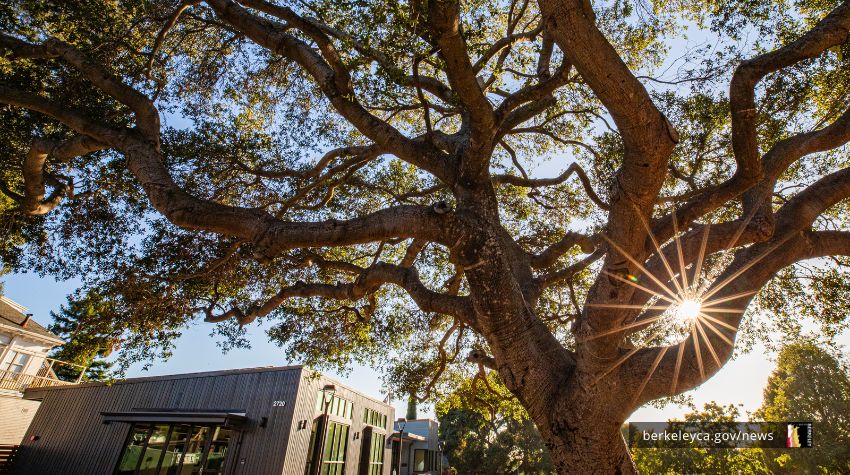
A tree with the sun and the newly opened Willard Park Clubhouse in the background

Community event to celebrate sun and wind energy

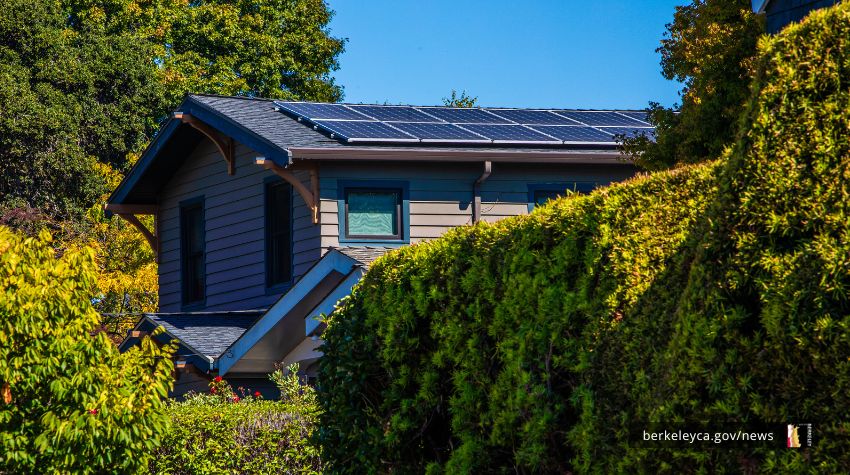
A Berkeley home with solar panels on its roof

June 7 green home tours showcase household sustainability

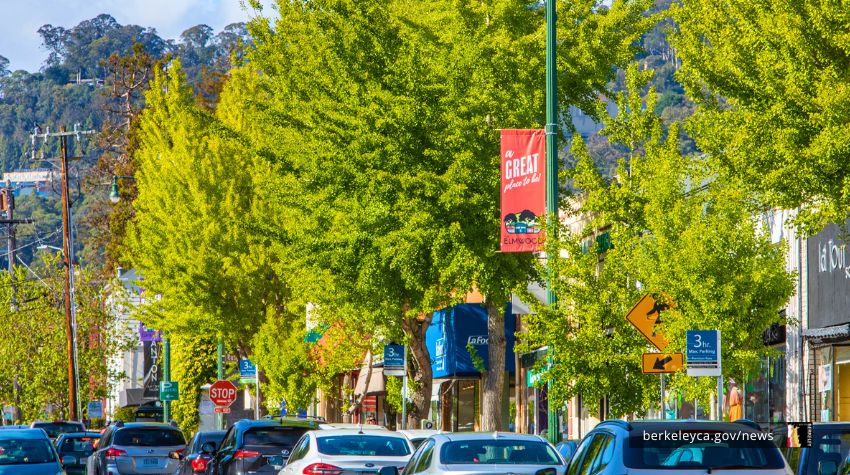
Business district street with green trees, businesses, and vehicles.

Improve your business’ sustainability, back local green businesses

More News

News

Three women walk through a rose garden, surrounded by blooming yellow and pink roses, with greenery and fencing in the background.

Celebrate moms with tea, jazz, and time together

Neighborhood Disaster Preparedness Class

Take classes to organize your neighborhood emergency network

A person holding trash and an orange bucket at the Berkeley Marina

Apply for grant, volunteer to help reduce trash in the Bay

Berkeley Public Safety building during the day

The Berkeley Police Department now offers more Online Reporting options

More News
Building Emissions Saving Ordinance (BESO) Helpdesk
Email: BESO@berkeleyca.gov

Related BMC

  • Municipal Code 19.81
environment

Be a global leader in addressing climate change, advancing environmental justice, and protecting the environment

View Our Strategic Plan

WE’RE HERE TO HELP

Connect with us online, by phone, or in person.

Footer Top

Report Online Contact us Visit
City of Berkeley
2180 Milvia St, Berkeley, CA 94704

Footer Social

Footer Right

  • Sign Up for Our Newsletter
  • Get alerted about emergencies

Footer

  • Departments
  • Permits
  • Records Online
  • Events
  • Jobs

Footer Bottom

  • Accessibility
  • Privacy Policy
  • Website Policy
  • Website Feedback
 

Translation Disclaimer

© 2026 City of Berkeley All rights reserved.